68%
Storage review
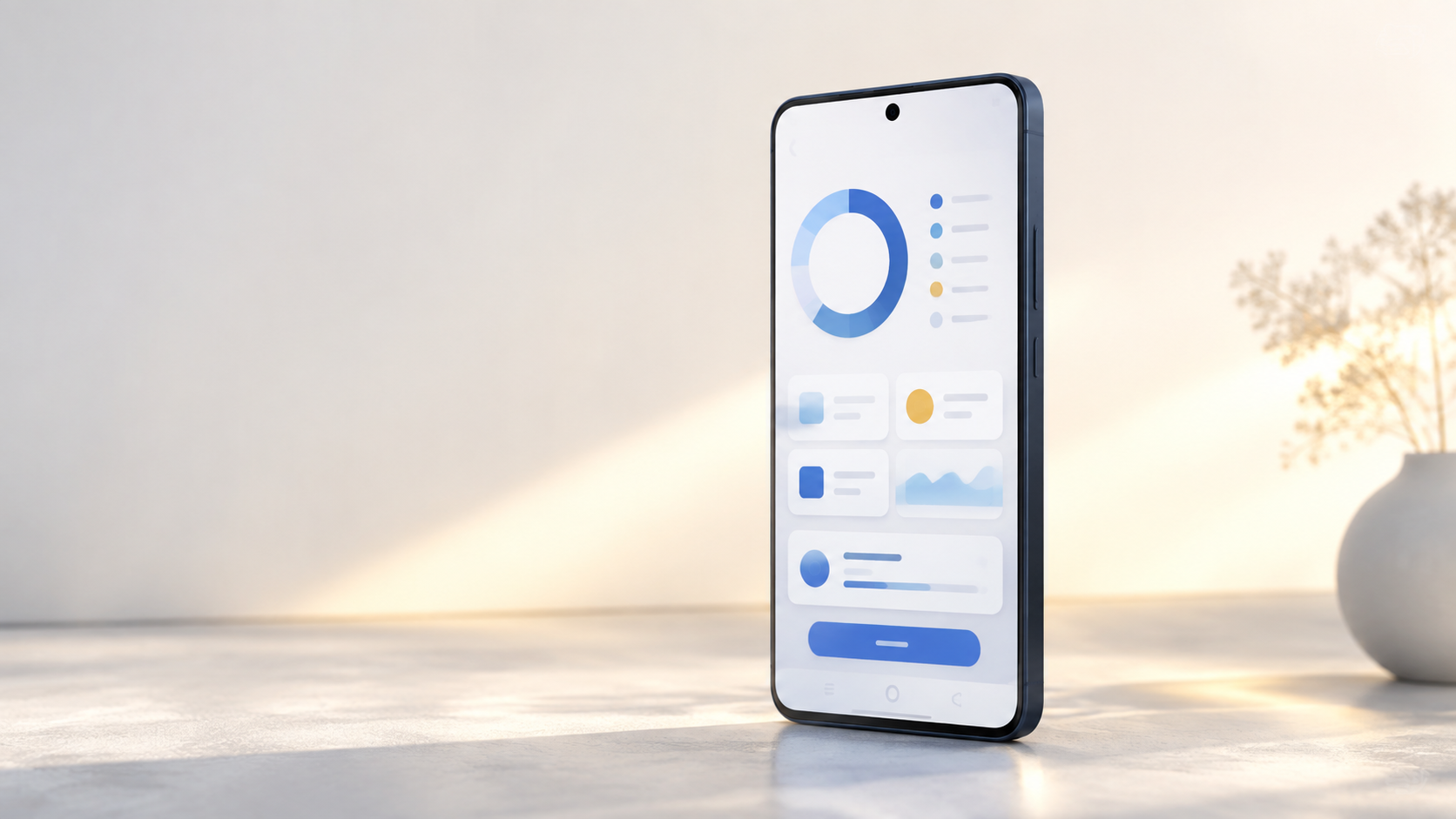
See photos, videos, audio and large files that are using room on your device.
Learn more →for your phone
See photos, videos, audio and large files that are using room on your device.
Learn more →Connect Gmail only when you choose, then select conversations to send to Gmail Trash.
Learn more →You decide
every action
Review first, select what you want, and confirm before any cleanup action happens.
Learn more →your choices
Storage Care surfaces items for review; it does not decide what to remove for you.
Clean Email stays off until you choose to connect your Google Account.
to a lighter phone
Open the storage, media, contacts or Clean Email tool you need.
See the items or conversations relevant to that specific task.
Select what you want to manage and confirm before anything changes.
OPTIONAL GMAIL CONNECTION
Use Clean Email only after you select a Google Account and grant permission. Review conversations by category, then move only selected conversations to Gmail Trash or restore them from Trash.
Our Gmail data commitmentNorthlineNew arrivals to review
BrightboxWeekly curated picks
Studio NotesNew workshop dates
clear answers
No. The App shows items for review. You choose the items and confirm the action before anything is managed or removed.
Gmail access is used only after you choose the optional Clean Email feature. It lets the App show your selected categories and perform only the action you select.
Open Clean Email and choose Disconnect Gmail. You can also manage access through your Google Account permissions.
Contact us at support@goldenboat.io.
NEED HELP WITH STORAGE CARE?